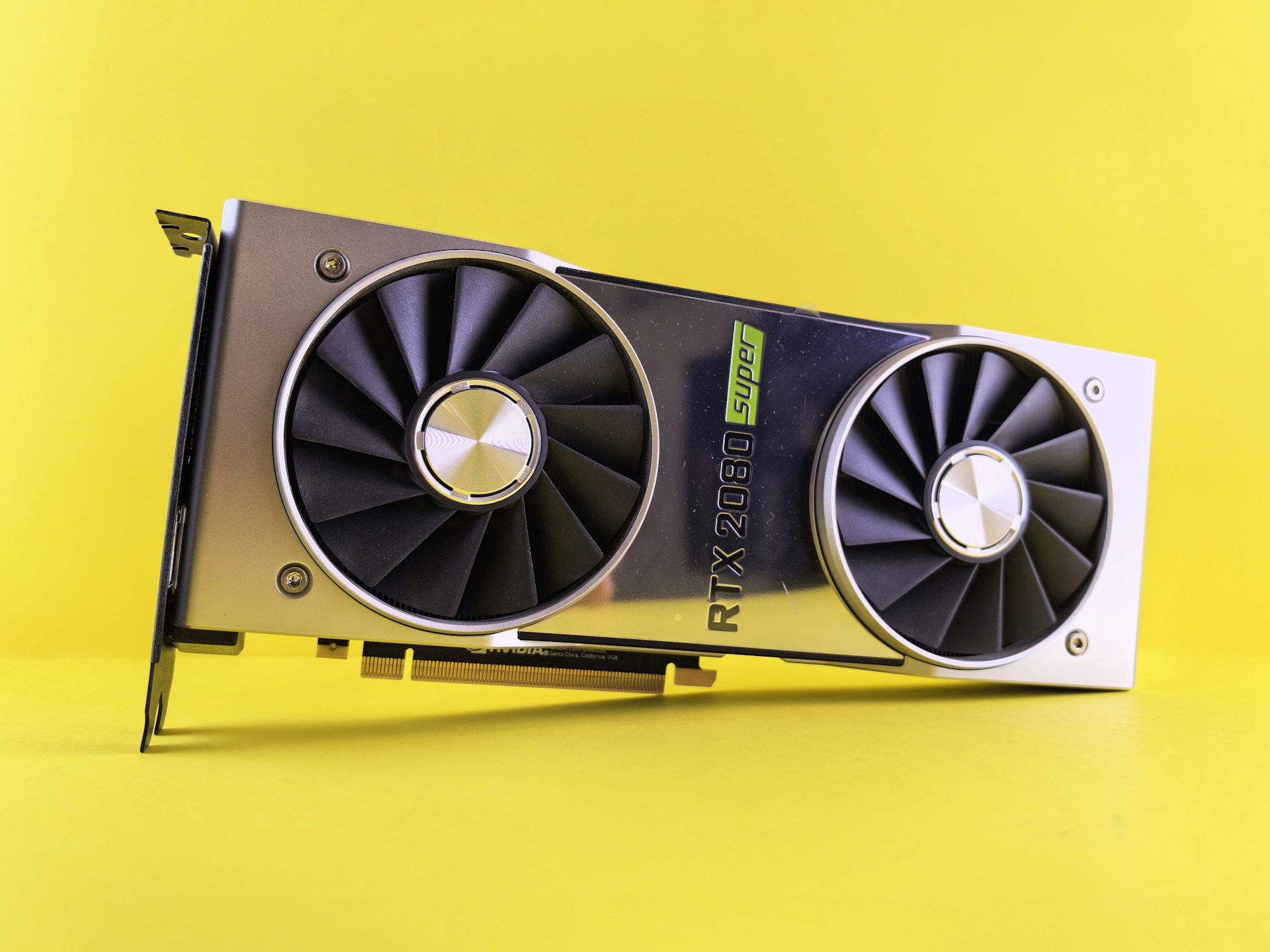


The RX 7900 XTX is the cheapest way to get 24 GB of VRAM on a new GPU. At 960 GB/s memory bandwidth it matches the RTX 5080 on paper, and the extra 8 GB of VRAM opens up model sizes that 16 GB cards simply cannot run. If your budget does not stretch to a 5090 and you want to run larger models, this is the card to look at.
The catch is the AMD software ecosystem. ROCm support for local LLMs has improved significantly - llama.cpp, Ollama, and LM Studio all support AMD GPUs via HIP/ROCm. But support is still behind CUDA in maturity. Some quantization formats and optimization techniques arrive on NVIDIA first, and debugging GPU issues on AMD requires more community research.
Performance is competitive where ROCm is well-supported. For models that fit in 24 GB, token generation speeds are close to the RTX 4090 in many benchmarks. The 7900 XTX also has 24 GB of GDDR6 (not GDDR6X), which means slightly lower bandwidth than NVIDIA's 4090, but the difference is marginal in practice for LLM inference.
Power draw is 355 W with an 800 W PSU recommendation, which is manageable. The card runs warm but within spec, and most aftermarket coolers handle it well. If you are comfortable with ROCm's current state and want 24 GB at the lowest new-GPU price, the 7900 XTX is a strong value.
Why It Wins
- -Cheapest new GPU with 24 GB VRAM
- -960 GB/s bandwidth competitive with RTX 4090
- -ROCm support is improving rapidly across major frameworks
- -Good value for 70B models at aggressive quantization
Skip If
- -ROCm ecosystem still lags behind CUDA in tooling and support
- -Some quantization formats and optimizations arrive later
- -GDDR6 is slightly slower than GDDR6X on bandwidth